

The tool shed for your coding agents
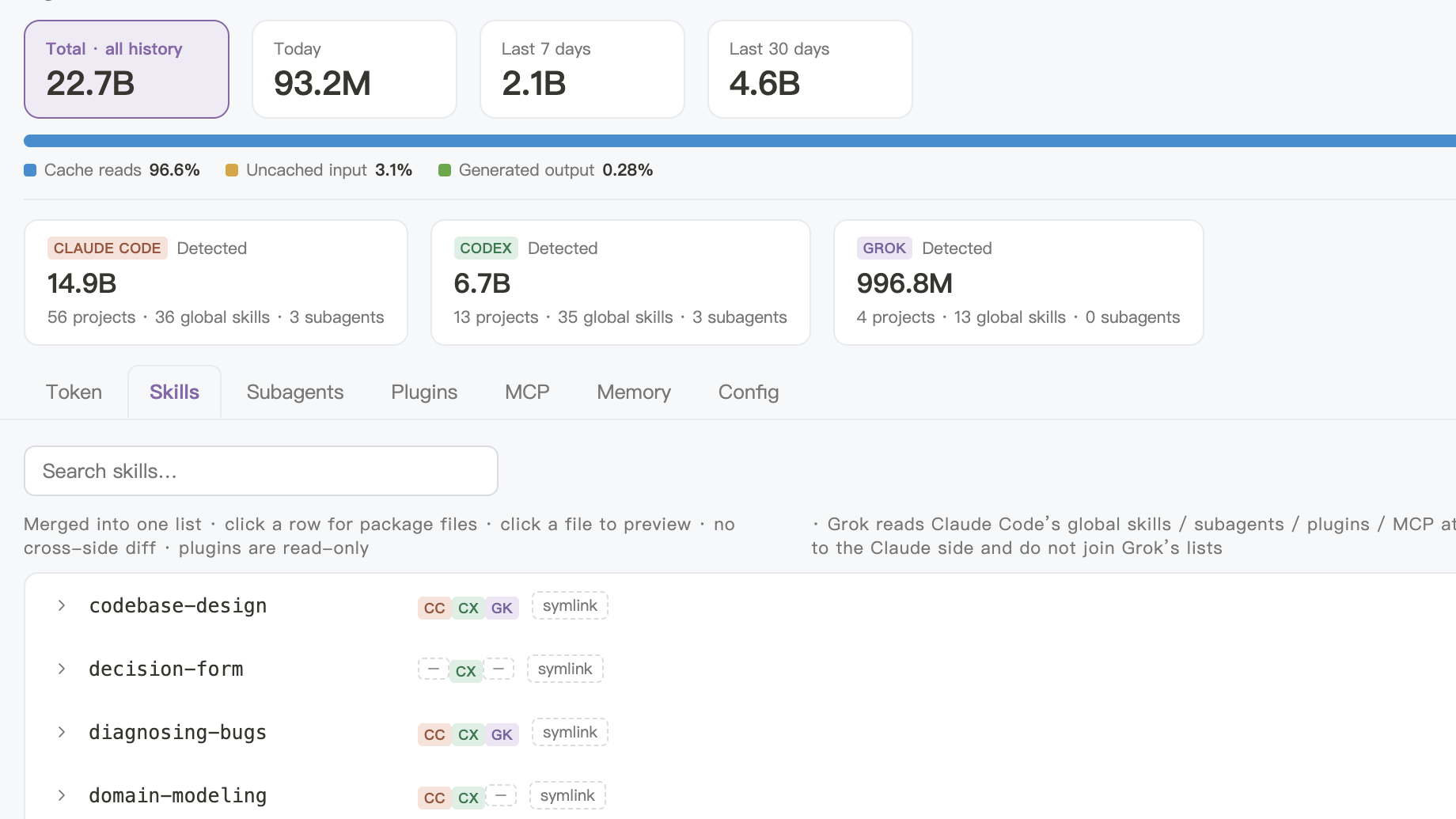
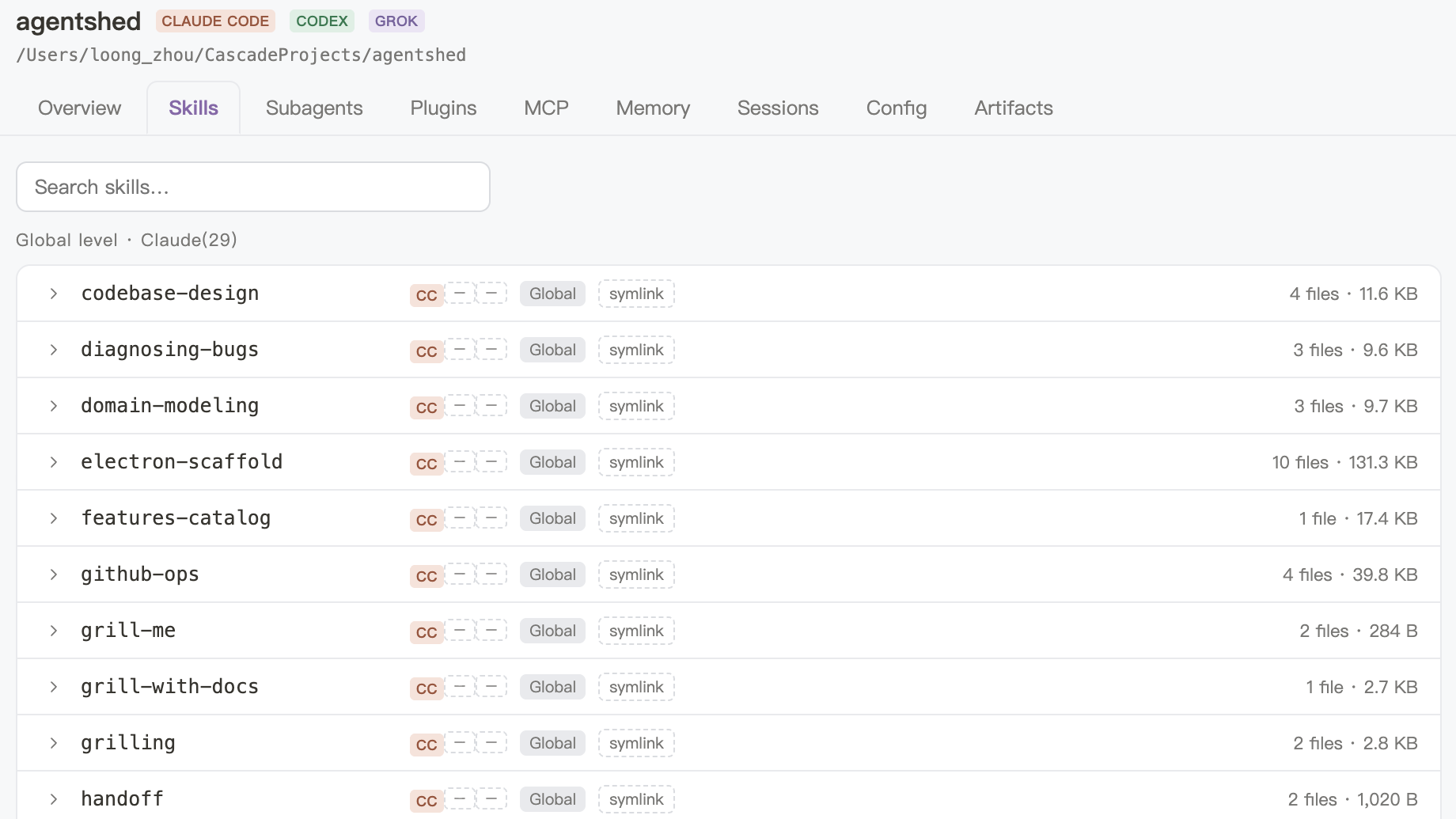
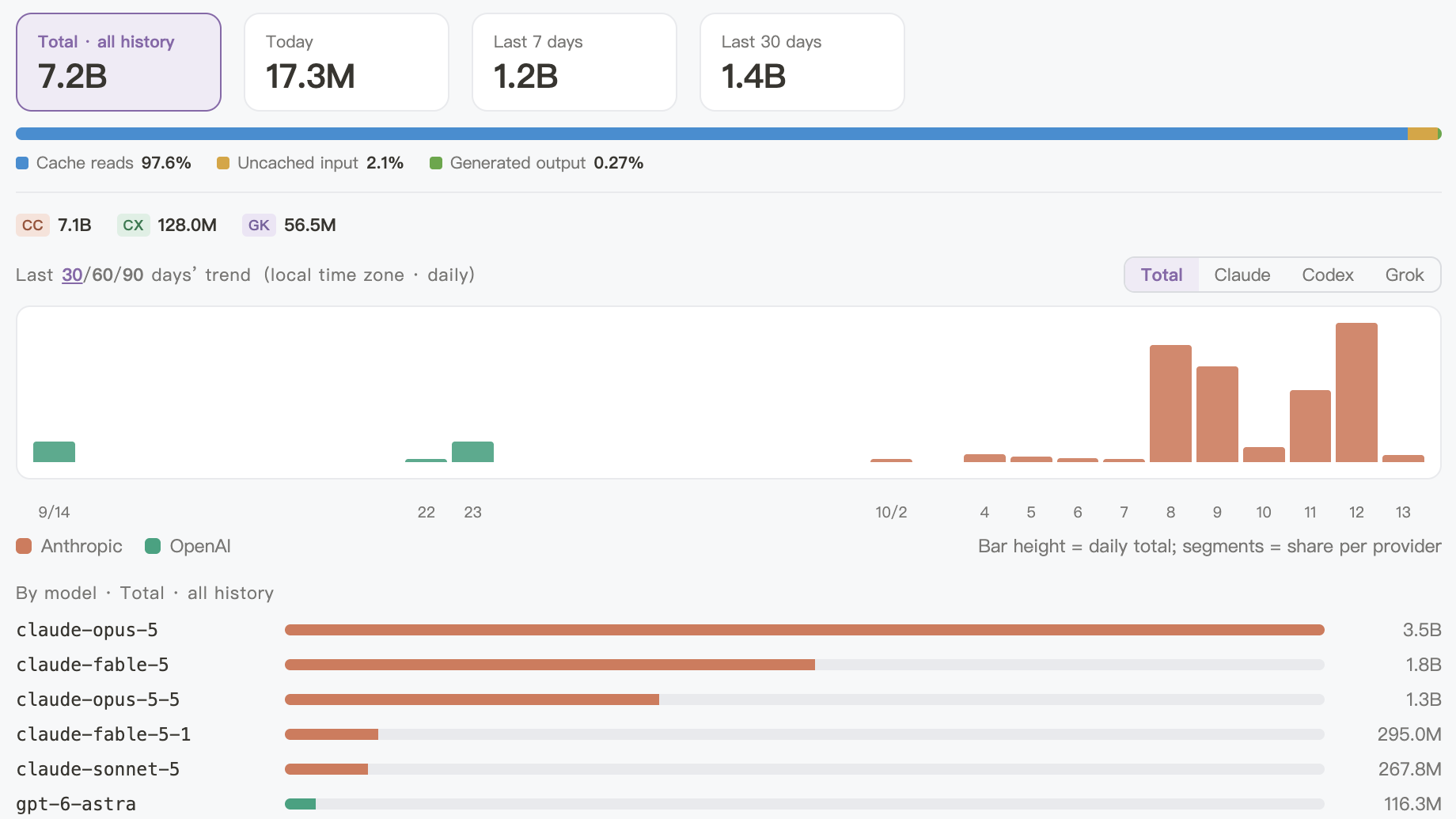
See, across every project, which skills, plugins and MCP servers Claude Code, Codex and other coding agents have installed, how many tokens they burned and which documents they left — and install skills from your global library into any project.
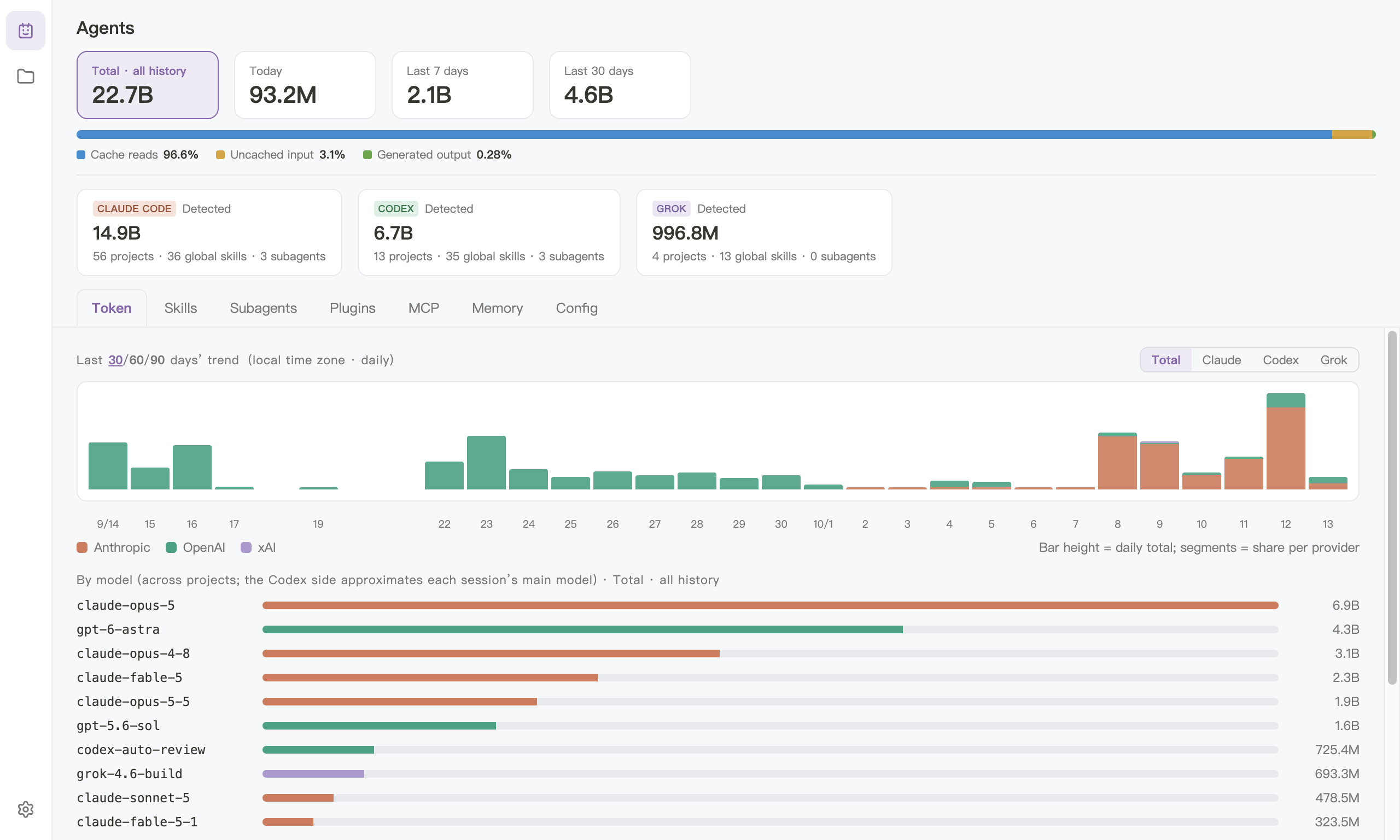
One app, the whole picture
It only reads the files your coding agents leave on your Mac.
Install
1
Download the DMG
Get the installer for Apple Silicon.
2
Drag to Applications
Open the DMG and drag Agentshed into your Applications folder.
3
Open it
macOS says “Apple checked it for malicious software and none was detected” — click Open. When a new version comes out, an update button appears at the bottom left of the app.
Download
Version details can’t be loaded right now — download from GitHub
macOS · Apple SiliconmacOS 12 or later, M-series chips